
We’re excited to share the latest AudienceMaker release, featuring user experience and interface enhancements that make it easier to build impactful audiences for insight and activation.
What’s New in This Release:
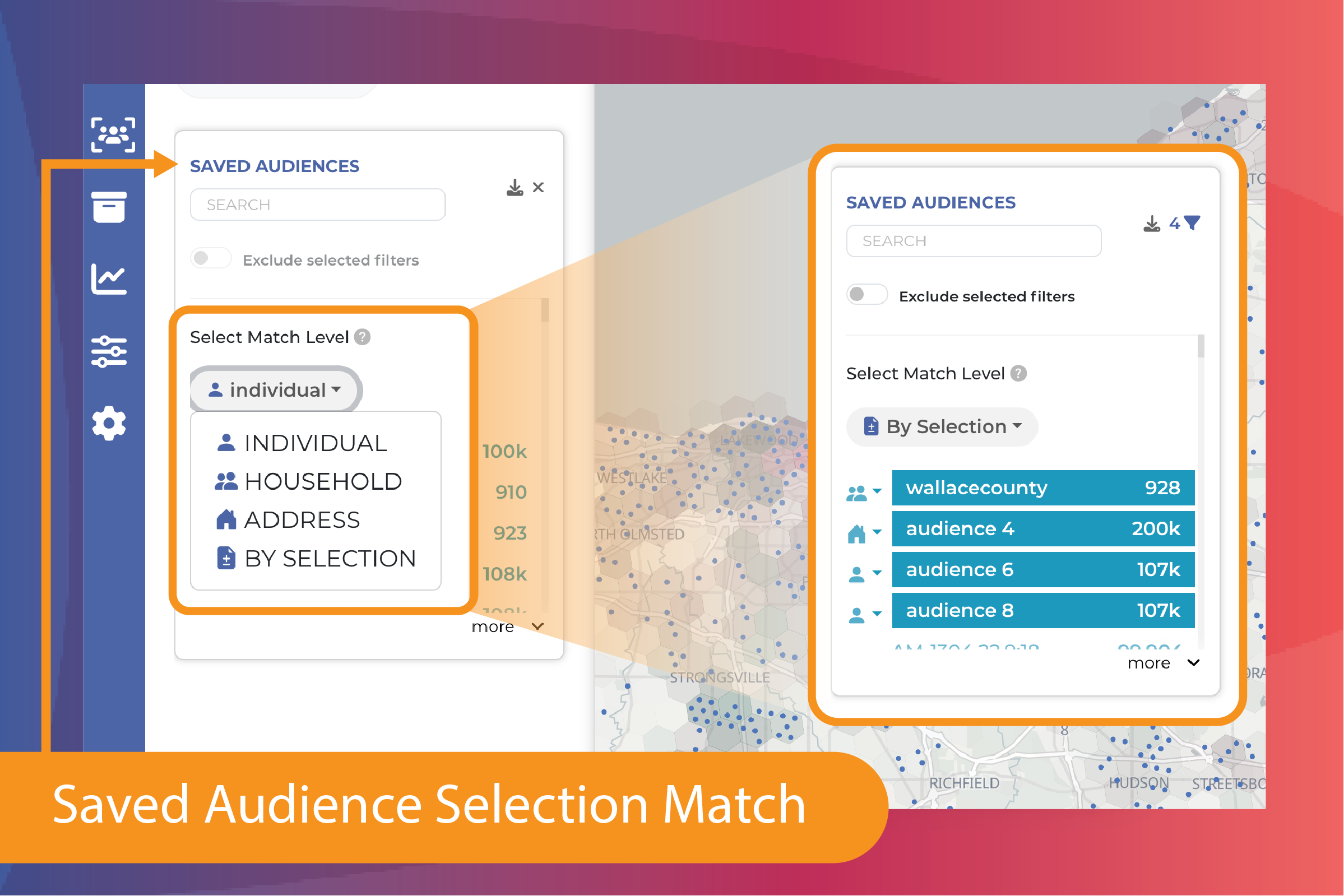
Saved Audience Match Levels
Saved Audiences can now be used as include or exclude criteria at the individual, household, or address level, providing greater flexibility and control when building audiences.
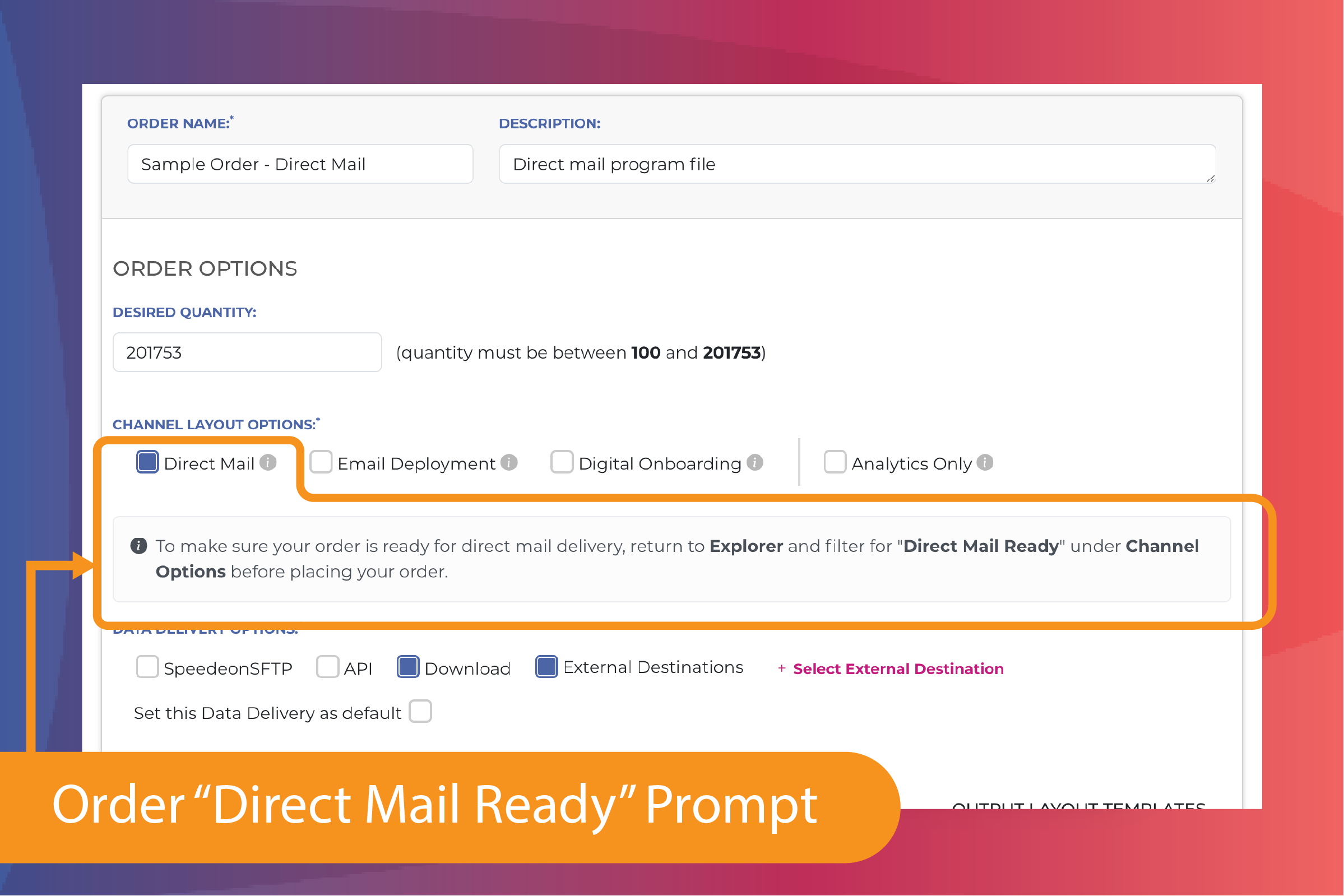
Ordering “Direct Mail Ready” Data Files
When placing orders with the Direct Mail channel selected, a new prompt will confirm whether Direct Mail Ready options have been applied before extract.
Comparison Report Updates
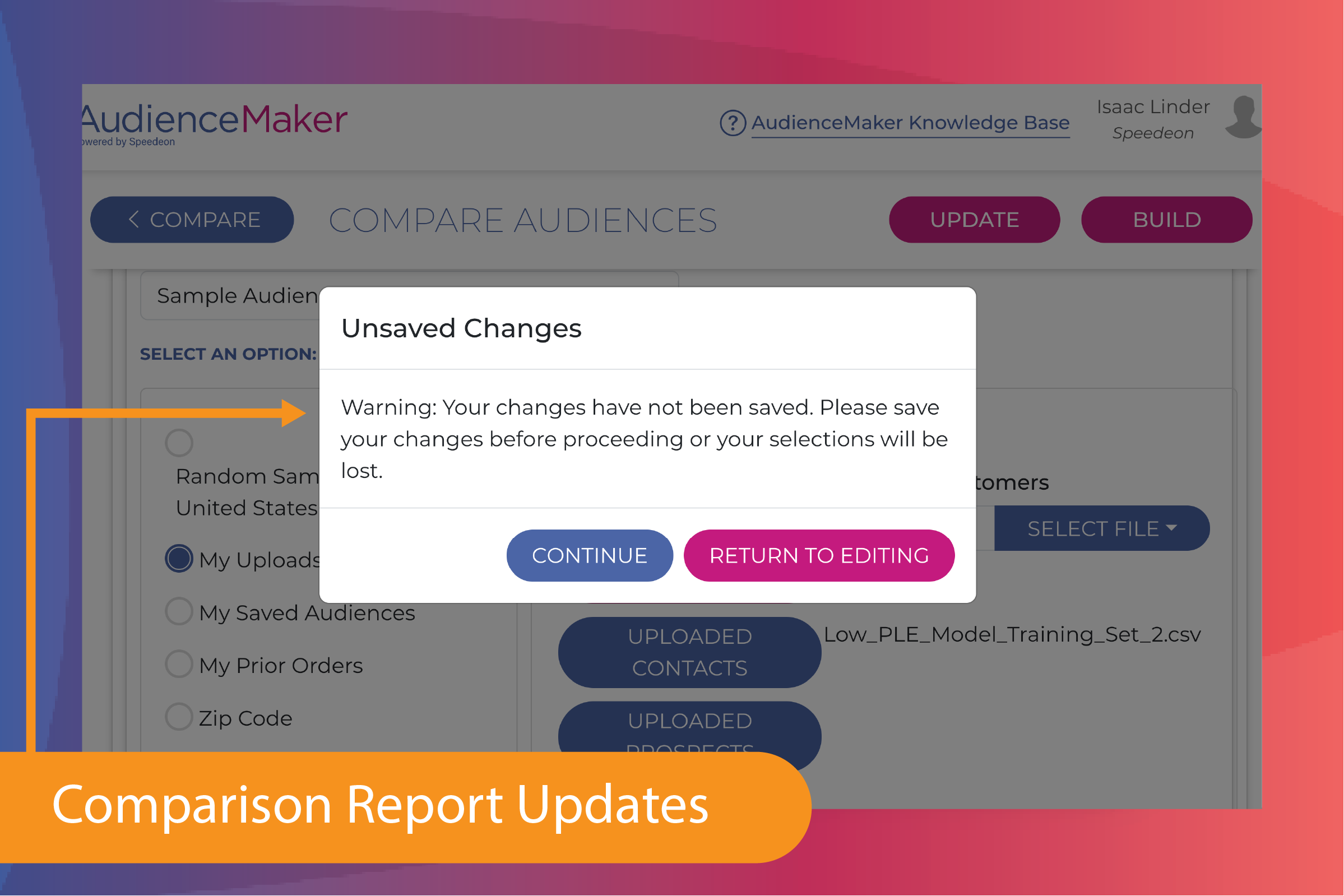
Comparison reports have been updated with improved value and chart structures, along with new prompts related to unsaved changes.
Expanded Geographic Exclusions
Geographic boundary exclusions have been added beyond state-level to include counties, zip codes, and CBSAs.
File Upload Enhancements
Several updates have been made to improve the file upload experience:
- Hover-over descriptions now display full file names, descriptions, and upload dates
- New safeguards and prompts guide users when uploading files larger than 25MB
- The file preview pane can now be minimized during field mapping
Bug Fixes and Additional Improvements
This release also includes fixes related to ad hoc location counts, age filters not appearing on Insights Reports, counts not downloading, and complex filters persisting when creating a new audience.
Need a Walk-Through?
Our Customer Success team is here to help! To schedule a session—including a deep dive into activating External Destinations—simply reach out at: audiencemaker@speedeondata.com